

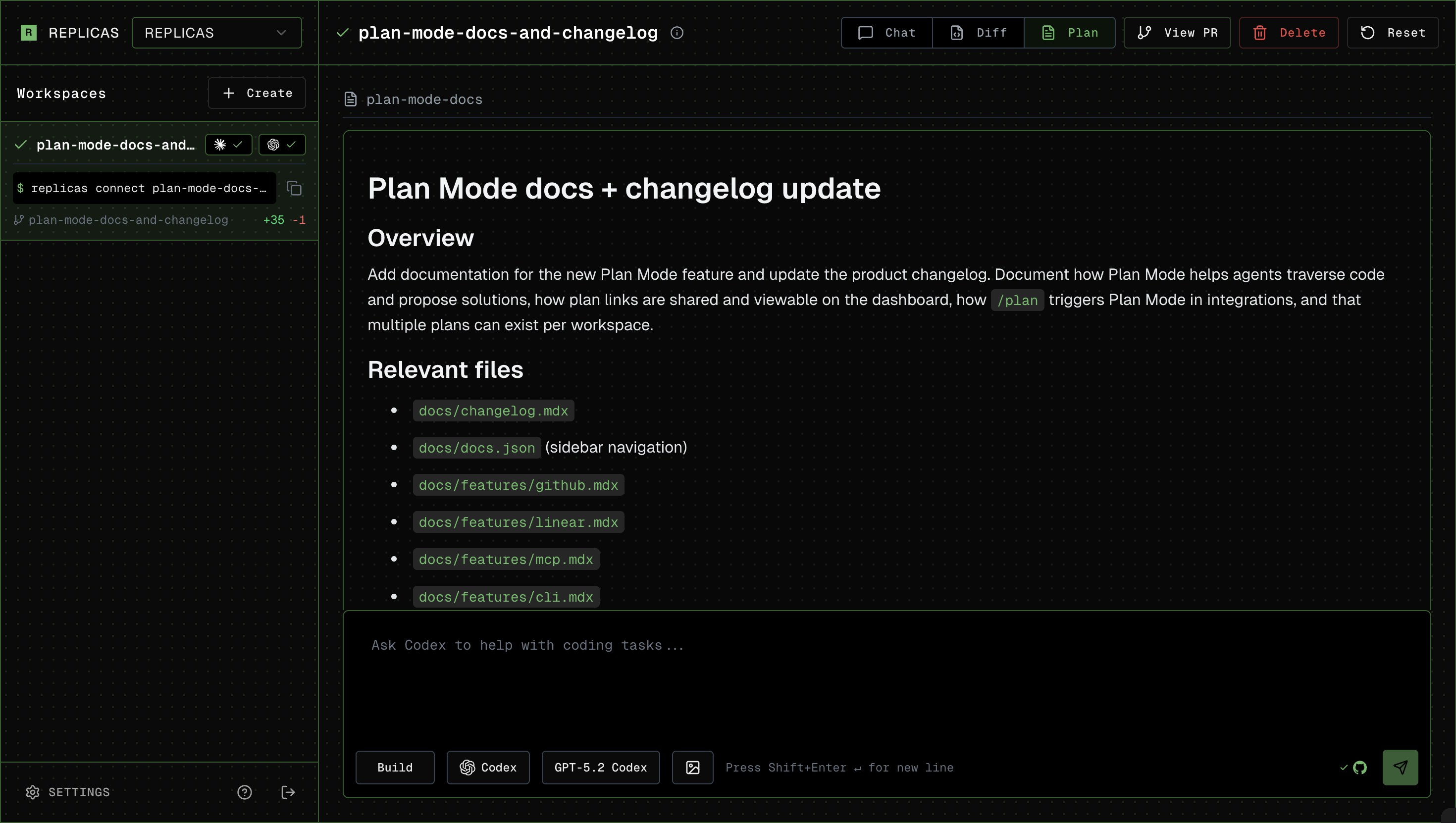
How to Use
- Start your message with
/plan(on the dashboard, you can click to toggle!) - Agent returns the plan. If using from GitHub or Linear, the agent will provide a link for you to review the plan.
- Answer potential clarifying questions, or tell it to go ahead!
Viewing Plans in the Canvas Tab
Plan Mode markdown plans show up in the Canvas tab in the lower half of the provenance pane on the right side of the workspace. The agent’s live task checklist appears in chat as it is updated. Each Canvas item gets a type pill:Plan for markdown, Page for HTML, Image/Video/Audio for media. Click any item to open it in the main viewport, the same way clicking a file in the diff list opens the diff. Canvas discovers plans in Claude Code and OpenCode’s native plan directories, plus files agents place in ~/.replicas/canvas/. Codex and Cursor keep native plans in their conversation state, so those plans and checklist updates appear in chat instead.
Copy and Download Plan Contents
When viewing a plan in the main viewport, the header has a Copy button (copies the markdown to your clipboard) and a Download button (saves it as a.md file).